

Setup
1
Access Cloudflare Dashboard
Log in to your Cloudflare Dashboard
If you don't have a Cloudflare account, create one - it's free!
2
Navigate to Turnstile
In the Cloudflare dashboard, go to the "Security" tab.
Click on "Turnstile" in the sidebar.
If you don't see Turnstile, make sure you're using the new Cloudflare dashboard.
3
Create a Site
Click "Add Widget" to create a new Turnstile widget.
Configure the following settings:
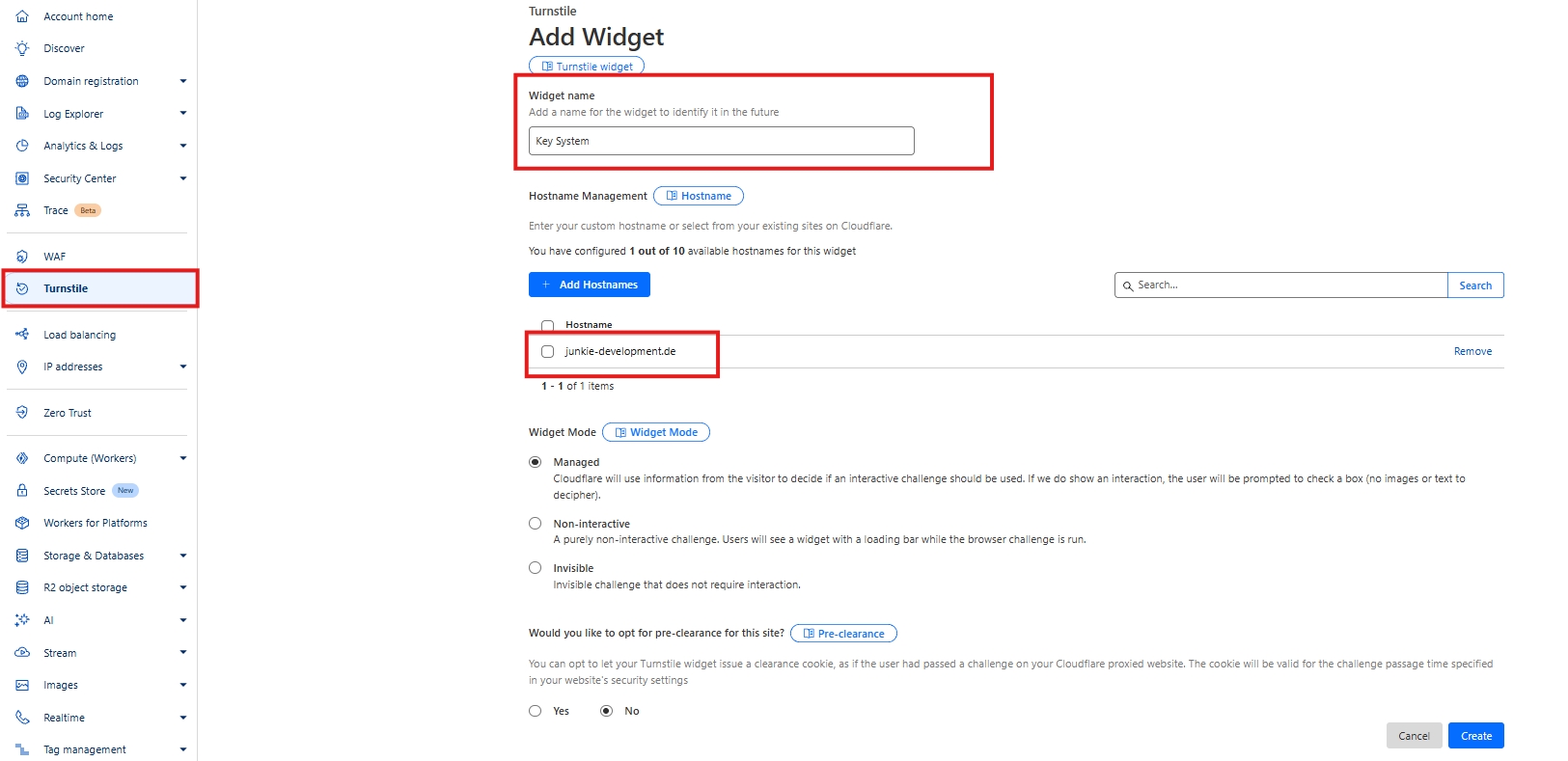
Widget Name: Key System
Domain: junkie-development.de
Widget Mode: Managed (Recommended)
Pre-Clearance: Disabled
4
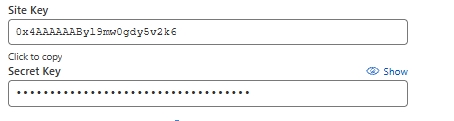
Get Your Keys
After creating the site, you'll be provided with two keys:
Best Practices: Turnstile is less intrusive than traditional captchas and provides excellent protection. Most legitimate users won't even notice it's there!
Last updated